RačunSP
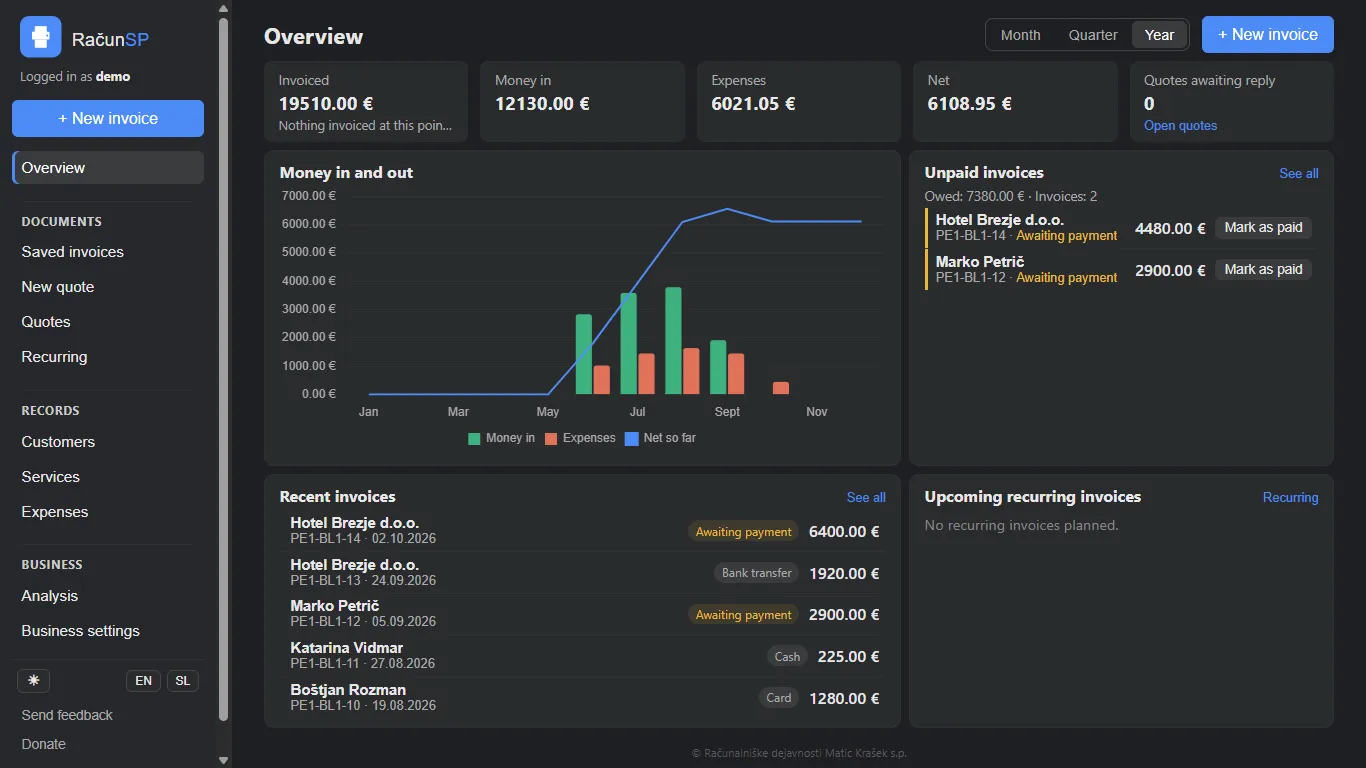
A free invoicing app for Slovenian sole traders, with FURS fiscal verification built in. One shared frontend runs as a Windows desktop app and an Android app, and business data never leaves the device.
- Year
- 2026
- Role
- Sole developer
- Platform
- Desktop · Mobile
The problem
Slovenian law requires every cash and card invoice to be fiscally verified with FURS, the tax authority, at the moment it is issued: signed with the business's own tax certificate, sent for confirmation, and the returned EOR printed on the receipt next to the ZOI and a QR code. Get any part of it wrong and the invoice is not legal.
For a one-person business the available options were a monthly subscription to software that keeps the books on somebody else's server, or desktop programs that had not been meaningfully updated in years. Neither suited someone who now works from a phone as much as from a desk.
Approach
One frontend in plain JavaScript — no framework, one HTML file, one stylesheet — shared by both platforms. The desktop app is Electron, the Android app is Capacitor, and each shell implements the same API surface for the shared code. A feature is written once and the platform difference stays at that boundary.
Local first. Invoices, customers, services and expenses live in SQLite on the device. There is no account to create and nothing to sign in to. The only thing that leaves the machine is the invoice sent to FURS, because the law requires it; sync between the user's own devices and cloud backup are both optional and encrypted on the device before they go anywhere.
Fiscal verification is the part that has to be exactly right: signing with the user's certificate, talking to FURS over mutual TLS, building the message formats, and handling rounding, VAT rates and fiscal timestamps. The test suite reflects that — around thirty-five test files on desktop and twenty on mobile, covering rounding, VAT, fiscal time, FURS messages, schema migrations and backup and restore.
Each database records its own schema version and migrates forward on start, taking a backup first and refusing outright to open a database written by a newer version of the app.
Alongside the invoicing: PDF generation, printing, email through the user's own mailbox, UPN QR codes for bank transfers, recurring invoices, payment tracking and an Excel and CSV export for the accountant.
Outcome
Published on the Microsoft Store as a free download. The Android build is finished and waiting on Google Play account verification.
The app began as a Python and PyWebView desktop tool. Moving to Electron is what made a single shared frontend across desktop and mobile possible at all.